Meta Muse Explained: What It Is and How It Works
Meta Muse is a personal AI agent that plans, takes actions, and works in the background to complete real-world tasks on your behalf.
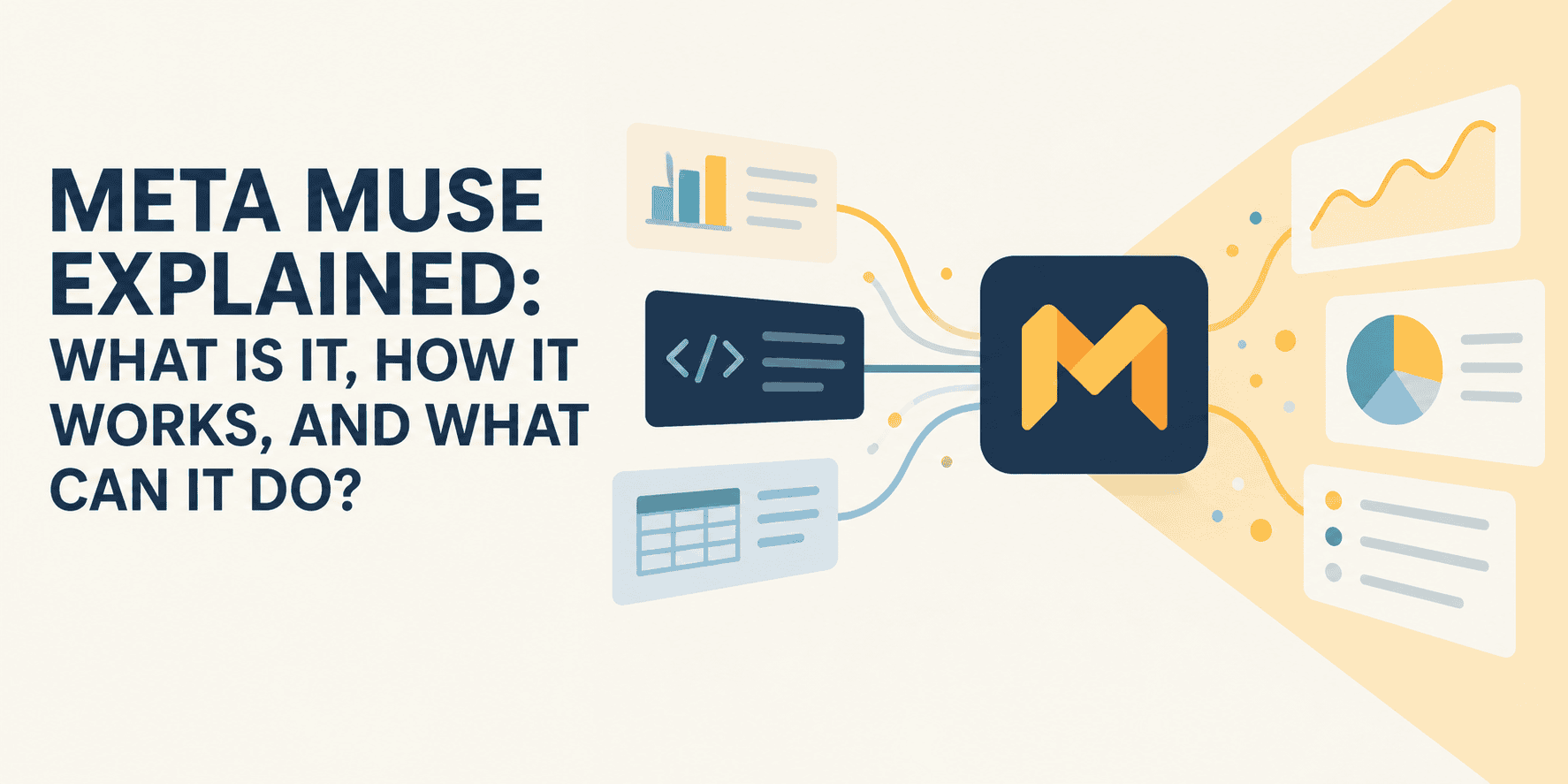
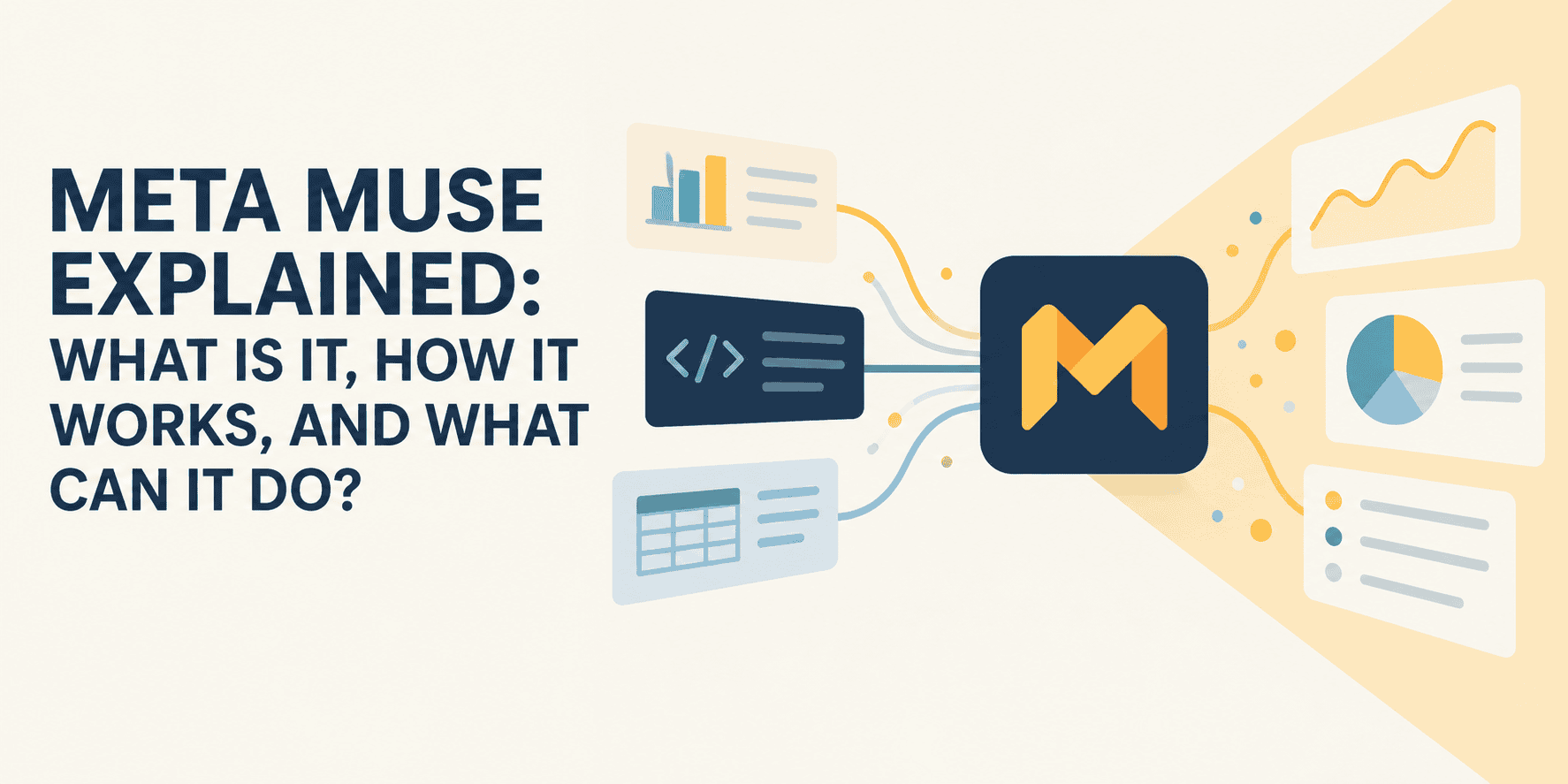
On September 8, 2026, Meta launched Muse, a personal AI agent designed to do more than just answer questions. Muse can browse websites, connect to your apps, send emails, make purchases, fill out forms, manage longer-running goals, and continue working even after you close the app.
Chatbots such as the early versions of ChatGPT mostly followed a simple pattern:
You ask — AI answers.
Muse is designed around a different pattern:
You give it a goal — it plans — uses tools — takes actions — monitors progress — comes back when it needs you.
Meta CEO Mark Zuckerberg said this when announcing the product:
“Introducing Muse, the personal agent that understands your goals and works 24/7 to get things done for you.”
Muse quickly climbed the U.S. App Store charts, while its ability to perform real actions has also raised questions about privacy, reliability, security, and how much control we should hand over to AI agents.
So, what exactly is Meta Muse? And what makes it different from the AI assistants we already have?
What Is Meta Muse?
Muse is Meta’s personal AI agent.
It is built to understand your goals, remember useful information about you, connect to services you use, and perform tasks on your behalf. You can communicate with Muse using a regular chat interface, either through the Muse app or through WhatsApp.
When you give Muse a task, several components work together behind the scenes.
1. You Give Muse a Goal
Suppose you say:
Plan a three-day trip to New York next month. Find flights that fit my schedule, shortlist hotels near Manhattan, and keep the total under my budget.
A chatbot might give you recommendations and links.
Muse can potentially go further.
It can investigate options, browse websites, compare results, remember your constraints, continue working in the background, and ask for approval when an action requires your confirmation.
2. Muse Spark Plans the Task
The reasoning engine behind Muse is Muse Spark 1.3.
Meta says the model has been specifically trained for long-running agentic workflows. Instead of treating every prompt independently, it can keep track of information discovered earlier, operate across multiple workflows, use tools, identify gaps in a plan, and continue working toward a larger objective.
This is important because real-world tasks rarely involve a single API call.
Booking a trip, for example, might require:
Understand requirements
↓
Search flights
↓
Compare prices
↓
Search hotels
↓
Check calendar
↓
Create itinerary
↓
Ask user for approval
↓
Complete reservation
Muse can also spawn subagents to handle parts of complex tasks concurrently. Meta says it trained the underlying system for multi-agent coordination in addition to long-context reasoning and tool calling.
3. Muse Runs Inside Its Own Virtual Computer
This is probably the most technically interesting part of Muse.
Rather than giving the model unrestricted access to Meta’s infrastructure, every user receives an isolated Linux virtual machine (VM).
The VM contains Muse’s workspace, files, browser, tools, and long-running tasks.
This means Muse can do things such as:
- Browse websites
- Work with files
- Run code
- Use command-line tools
- Manage several subagents
- Schedule recurring jobs
- Maintain persistent state between sessions
Your Muse therefore has something closer to a persistent computer than a temporary chatbot session.
4. Connectors Give Muse Access to Other Apps
Muse becomes more useful when you connect it to external services.
These integrations are called connectors.
Connectors can allow Muse to interact with email, calendars, Meta services, shopping services, and other applications.
The interesting part is that Muse is not limited entirely to connectors Meta has already created. Meta says Muse can also write custom integrations for services that expose suitable APIs or command-line interfaces.
This potentially changes how we think about apps. Instead of opening five different applications yourself, you could simply tell an agent what outcome you want while it determines which services need to be used.
5. Sentinel Watches What Muse Is Allowed to Do
Giving an AI access to email, payment systems, and websites creates an obvious problem:
What happens if the agent makes a mistake — or is manipulated by malicious content on a website?
Meta’s answer is another agent called Sentinel.
Sentinel is separated from Muse at the system level and acts as the permission authority.
Muse can propose an action, but Sentinel decides whether the action should:
- Be allowed
- Be blocked
- Require approval from the user
All outbound network activity also passes through these security controls.
Conceptually:
Muse wants to perform an action
↓
Sentinel
/    |    \
Allow  Block  Ask user
The architecture is particularly important for defending against prompt injection, where hostile text on a webpage, email, or document attempts to trick an AI agent into following malicious instructions.
Meta combines model-level prompt-injection training, untrusted-content labels, detection classifiers, browser restrictions, system isolation, and human approvals to reduce this risk.
It does not mean prompt injection has been solved, but it shows how differently security must be designed once an AI can take actions instead of simply generating text.
Key Features of Meta Muse
Muse combines several ideas that have previously existed across separate AI tools.
-
Persistent Memory: Muse remembers relevant information from previous conversations. For example, Meta says it could remember dietary restrictions you previously mentioned and take them into account when planning a dinner later. Users can inspect and edit some of the information Muse stores about them.
-
Background Tasks: You do not have to keep the application open while Muse works. Longer tasks can continue in the background, with Muse returning when something important changes or when it needs your approval.
-
Proactive Suggestions: Muse can contact you without receiving a fresh prompt. For example, it may notice information related to one of your goals and suggest a change to your plan.
-
Goal Tracking: Muse includes a dedicated Goals system for long-term objectives. Instead of asking an AI the same question repeatedly, you could tell it about an ongoing goal and allow it to maintain the plan over time. Examples include:
Find a cheaper phone plan Monitor prices for a flight Plan an upcoming event Keep track of a project Organize a move Research a major purchase -
Browser Use: Muse’s VM contains its own browser, allowing the agent to interact with websites even when no dedicated connector exists.
-
Purchases and Payments: Muse can assist with purchasing products. Meta has integrated Stripe’s Link payment system, including one-time-use card functionality for eligible transactions, while Shop Pay support has also been announced.
-
Custom Tools: One of the most interesting features for technical users is Muse’s ability to build tools for itself. David Singleton of Meta Superintelligence Labs explained that Muse can write software inside its VM to connect with services that expose APIs.
-
Multimodal Capabilities: Muse Spark 1.3 is natively multimodal, allowing Meta’s models to work with images, documents, video, and other inputs in addition to text. Meta also has separate Muse Image and upcoming Muse Video models for media generation.
What Can You Actually Use Meta Muse For?
The easiest way to understand Muse is through examples.
1. Travel Planning
Instead of asking an AI to recommend hotels, you could ask:
Find a four-day trip to Chicago under $1,200 that works with my calendar.
Muse could potentially inspect your schedule, research flights, compare hotels, prepare an itinerary, and bring the final choices back for approval.
2. Shopping
You could provide requirements such as:
Find me a standing desk under $400 that fits a 50-inch-wide space and has strong reviews.
An agent can research products across sites instead of simply returning a generic list.
Meta is also integrating Muse more deeply into commerce. Shopify has embraced Muse through Shop Pay integration, although Amazon has taken the opposite approach and blocked Muse from shopping on its platform.
That disagreement illustrates one of the biggest questions surrounding agents: Will websites welcome AI agents as customers, or block them as intermediaries?
3. Managing Email
With suitable permissions, Muse can inspect email, summarize conversations, find information, and prepare or send messages.
Meta deliberately separates permissions — for example, an agent might receive permission to read mail without automatically receiving permission to send it.
4. Calendar and Event Planning
Muse can combine calendar information with other tasks. For example:
Find three dinner options near my office
↓
Check when everyone is free
↓
Find available reservations
↓
Ask me which restaurant I prefer
↓
Book it
↓
Add it to my calendar
This type of cross-application workflow is where agents can become substantially more useful than standalone chatbots.
5. Research
Muse can browse multiple sources, collect information, reconcile conflicting data, and produce a final deliverable. Muse Spark 1.3 was specifically trained to generate its own context from messy and sometimes conflicting sources during longer workflows.
Why Muse Is Getting So Much Attention
There have already been many AI agents. What makes Muse notable is that Meta is trying to package agentic computing as a mainstream consumer product rather than a developer tool. The combination of a persistent virtual machine, a dedicated security layer, long-horizon planning, and deep integration with everyday services represents a meaningful architectural step beyond earlier conversational AI — and signals how the industry’s definition of an “AI assistant” is rapidly expanding.