Build and Understand a Vector Database from Scratch in Python
Learn how vector databases work by building one from scratch using Python and NumPy in ten incremental steps. No GPU or API key required.
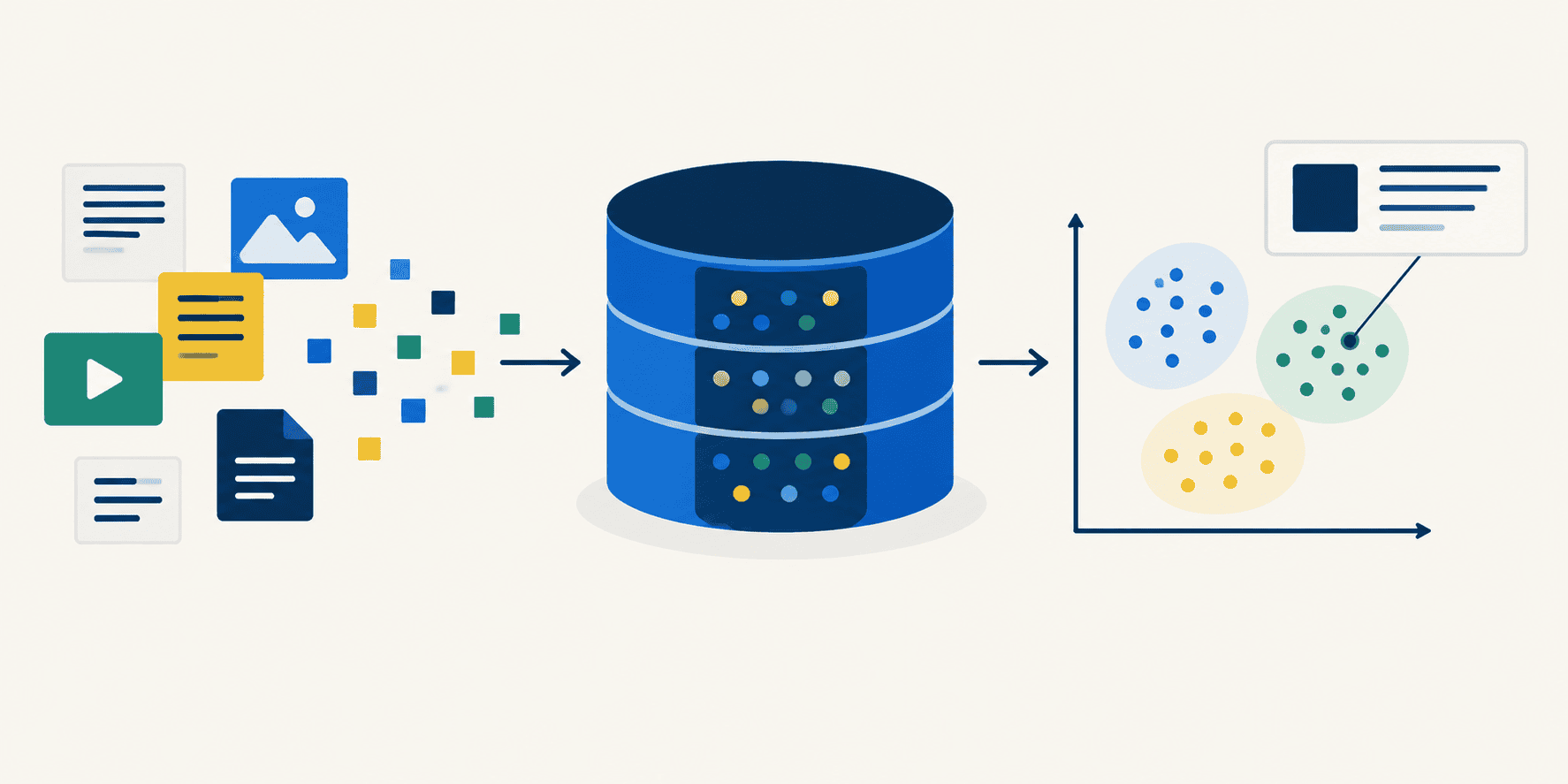
In this article, you will learn how a vector database works under the hood by building one from scratch in ten incremental steps using Python and NumPy.
Topics we will cover include:
- How documents are encoded into fixed-size vectors and searched by meaning rather than by keyword.
- How to add metadata filtering, input validation, and persistence to a minimal vector database.
- How brute-force cosine similarity scales with corpus size, and when to consider approximate indexing.
Introducing Vector Databases
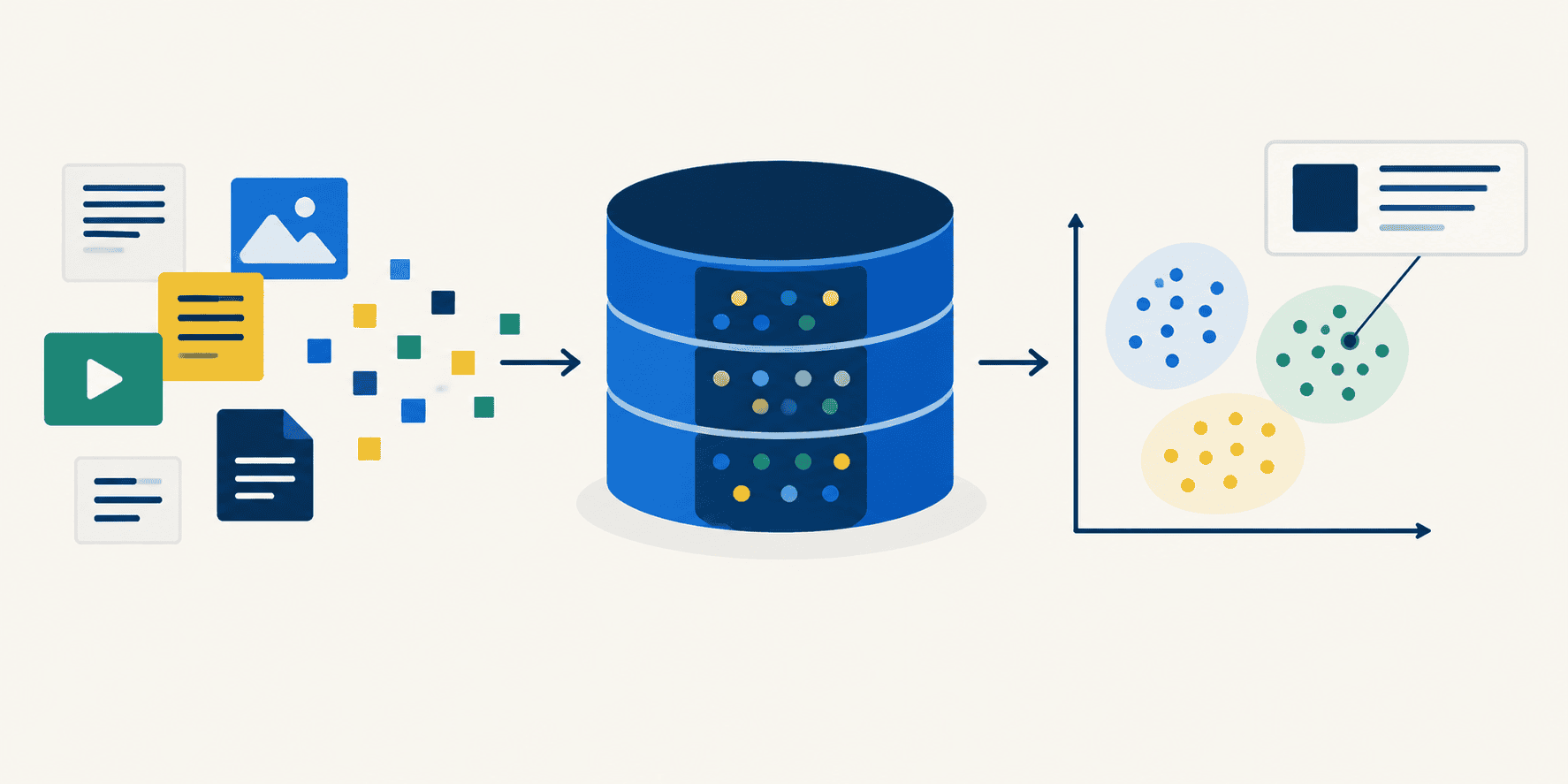
A vector database answers questions by meaning rather than by keyword. It operates by turning every document into a vector of numbers and then finding the numbers that point in a similar direction to your query (which has also been turned into a vector of numbers). This tutorial will demonstrate how to build a working vector database of your very own, through ten steps that each demonstrate one atomic idea. To follow along, create an empty script and name it something like tutorial.py. Append each step’s code to the script as you go and re-run it after you make sense of the commentary. Nothing here needs a GPU or an API key; one small model downloads on the first run, and everything after that is plain NumPy.
Step 1: Setup
You need three files from this repository in your working directory:
vector_db.pyis the actual database which is already built for you — but the real value is understanding the code and interacting with it. Once you go through this tutorial, recreating the vector database on your own is nearly trivial.corpus.pycontains 25 simulated sample documents and their topic tags.test.pyis the test suite, which you can run at any point withpython test.pyto verify the database works as implemented.
Install the two dependencies:
pip install numpy sentence-transformersNow start your tutorial.py file with the imports and two small display helpers. show() prints a list of search results as score, topic, document (relied upon later). header() labels each section so the growing script’s output stays readable.
import time
from pathlib import Path
import numpy as np
from corpus import DOCS, META
from vector_db import VectorDB

WIDTH = 64

def header(title):
    print(f"\n{title}\n{'─' * len(title)}")

def show(results):
    if not results:
        print("  (no matches)")
    for hit in results:
        text = hit.text if len(hit.text) <= WIDTH else hit.text[: WIDTH - 1] + "..."
        print(f"  {hit.score:+.3f}  [{hit.meta['topic']:<7}]  {text}")
    print()
Running the script now produces no output. This is what we want; nothing has been called yet.
Step 2: Building the Index
Creating a VectorDB loads the embedding model, and add() encodes every document into a vector and stores it.
header("2. Building the index")
t0 = time.perf_counter()
db = VectorDB()
load_seconds = time.perf_counter() - t0

t0 = time.perf_counter()
db.add(DOCS, META)
encode_seconds = time.perf_counter() - t0

print(f"  {db!r}")
print(f"  model load:  {load_seconds:5.2f}s")
print(f"  encoding:    {encode_seconds:5.2f}s   for {len(db)} documents "
      f"({encode_seconds / len(db) * 1000:.0f} ms each)")
print(f"  index size:  {db.vectors.nbytes / 1024:5.1f} KiB  "
      f"{db.vectors.shape} of {db.vectors.dtype}")
Output:
2. Building the index
─────────────────────
  VectorDB(25 docs, dim=384, model='sentence-transformers/all-MiniLM-L6-v2')
  model load:   1.64s
  encoding:     0.14s   for 25 documents (6 ms each)
  index size:   37.5 KiB  (25, 384) of float32
Note that the index size does not depend on how long the documents are. Every document, whether a six-word sentence or a six-page essay, becomes the same 384 numbers at 4 bytes each: 1,536 bytes, flat. That is fixed, and is what makes a vector index predictable to size and cheap to scan.
Step 3: A First Search
header("3. A first search")
query = "what keeps a cell supplied with energy?"
print(f'  query: "{query}"\n')
show(db.search(query, k=3))
Output:
3. A first search
─────────────────
The search encodes the query into the same 384-dimensional space as the stored documents and returns the top-k results ranked by cosine similarity. Results that share semantic meaning with the query surface even when they use different words, which is the core capability that distinguishes a vector database from a keyword search index.
By working through these ten steps, you have built a fully functional vector database from first principles. You have seen how documents are encoded into fixed-size embeddings, how cosine similarity drives semantic search, how metadata filtering and input validation layer on top of the core index, and how persistence lets the database survive across sessions. The complete implementation lives in a single Python file, making it straightforward to extend or adapt for your own projects as your needs grow.