Top Agentic Coding CLI Tools Compared: 2026 Edition
Five leading agentic coding CLIs compared across autonomy, tooling, permissions, cost, and real-world engineering workflows.
A year ago, terminal AI mostly meant asking a model to explain errors, generate commands, or edit small functions. In 2026, leading coding CLIs have become full agent runtimes that can inspect repositories, plan work, modify files, run tests, use external tools, and verify results.
In this article, we compare five standout agentic coding CLIs: Claude Code, Codex CLI, GitHub Copilot CLI, Antigravity CLI, and OpenCode, across autonomy, tooling, permissions, cost, and real-world engineering workflows.
What Makes a Coding CLI Truly Agentic?
Not every command-line interface connected to an LLM is an agent.
A traditional AI CLI may take your input, send it to a language model, and return text. An agentic coding CLI adds an execution loop around that model.
A simplified agent loop looks like this:
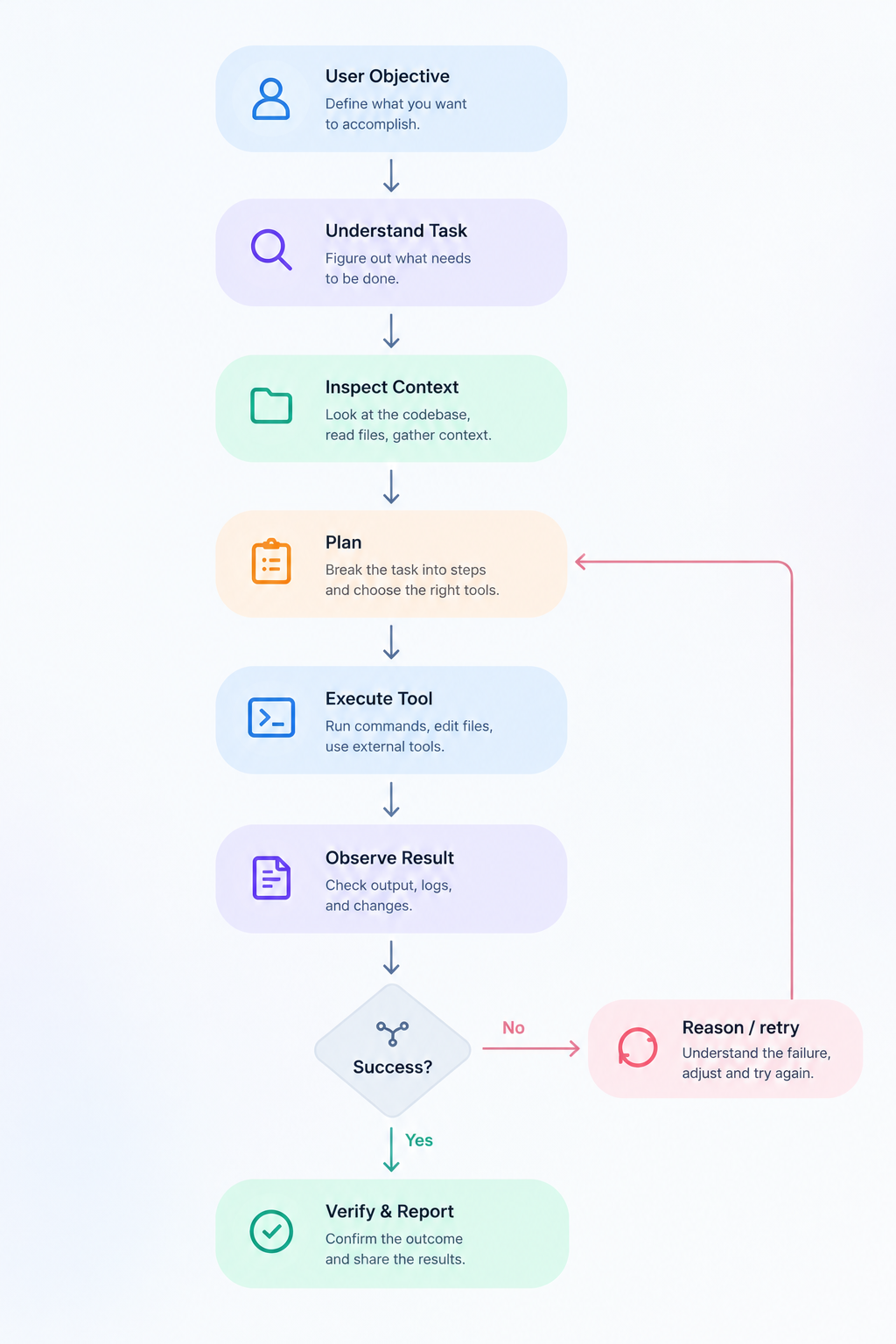
A serious coding agent therefore needs more than good code generation. It needs repository awareness, tools, shell execution, file editing, state management, permissions, verification, and some mechanism for deciding what to do next.
This is why CLI agents are particularly interesting. The terminal already sits at the center of most engineering workflows. Git, package managers, test runners, Docker, Kubernetes, cloud CLIs, linters, build systems, deployment tools, and SSH are all already there.
Give an agent controlled access to that environment and it can potentially move from suggesting work to performing it.
1. Claude Code
Claude Code remains one of the strongest examples of what a terminal-native software agent looks like.
Anthropic describes it as an agentic coding tool that understands a codebase, executes routine development tasks, explains complex code, and handles Git workflows through natural-language commands. It can operate from the terminal, supported IDEs, and GitHub workflows.
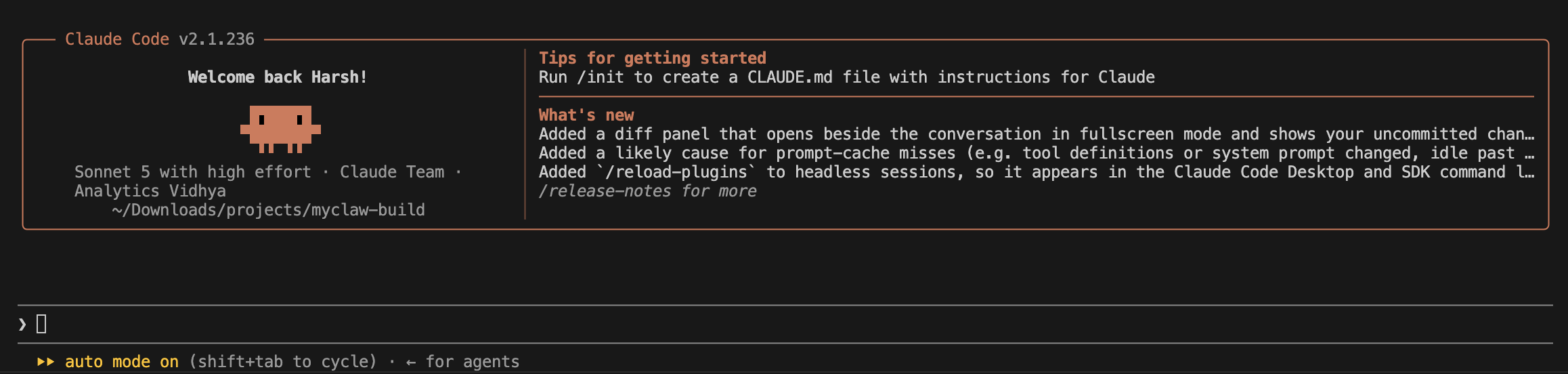
Getting Started
Anthropic currently recommends its native installer rather than the older npm installation path.
macOS/Linux:
curl -fsSL https://claude.ai/install.sh | bashThen:
cd my-project
claude
A useful first prompt is:
Study this repository. Explain: (1) the architecture, (2) the main execution flow, (3) where configuration lives, (4) how tests are organized, (5) the three areas most likely to break if I modify authentication. Do not edit anything yet.
The last sentence matters.
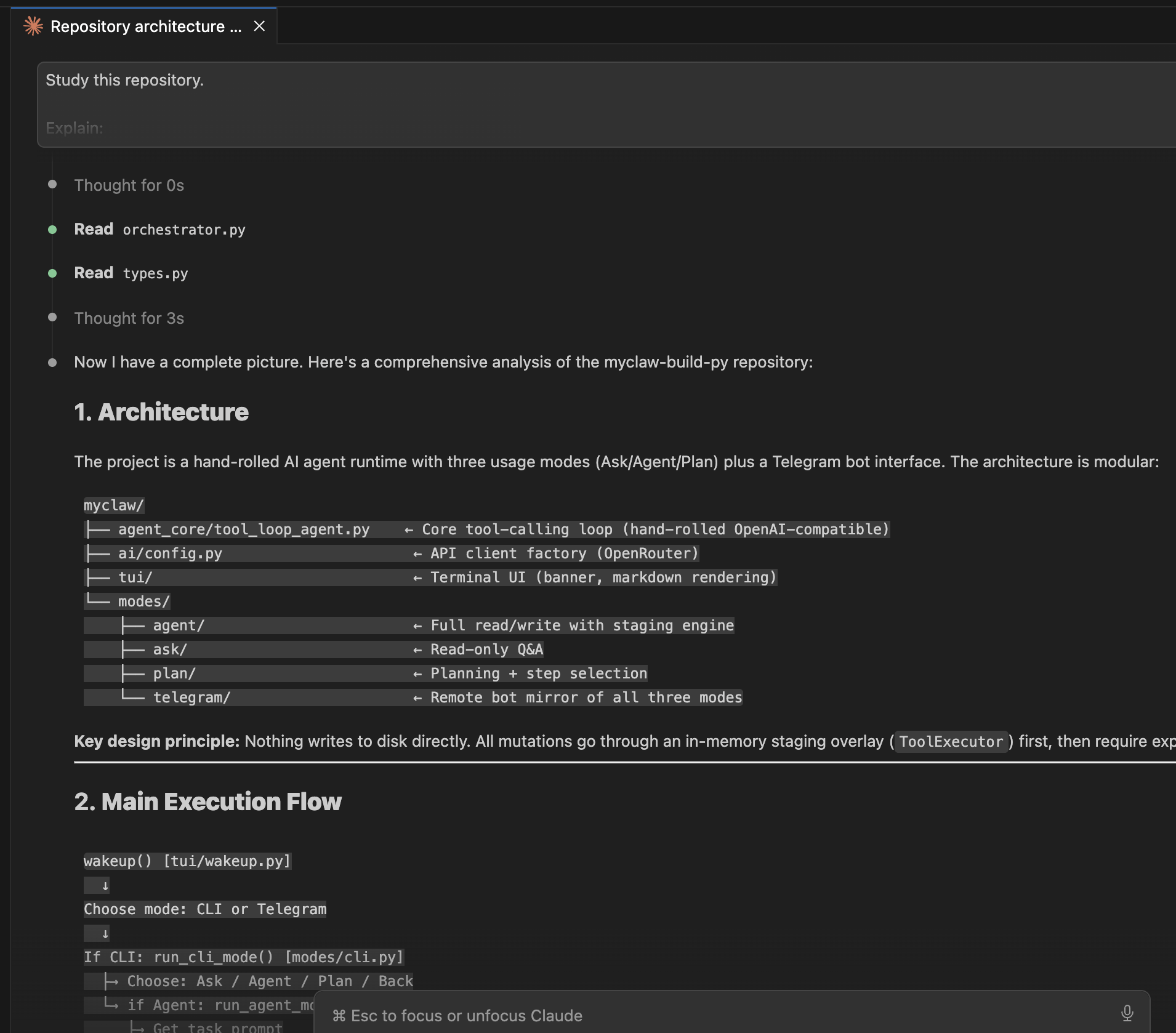
Good agentic coding frequently starts with separating exploration from execution.
Claude Code Pricing
Claude Code is included with Anthropic’s paid Claude plans. It currently costs $20/month, while Max tiers start at $100/month. Team plans currently start at $20 per seat per month when billed annually, and Enterprise uses a seat plus usage model. Usage across Claude and Claude Code can share the same plan allowance depending on the plan.
2. OpenAI Codex CLI
Codex CLI is OpenAI’s local software-engineering agent for the terminal.
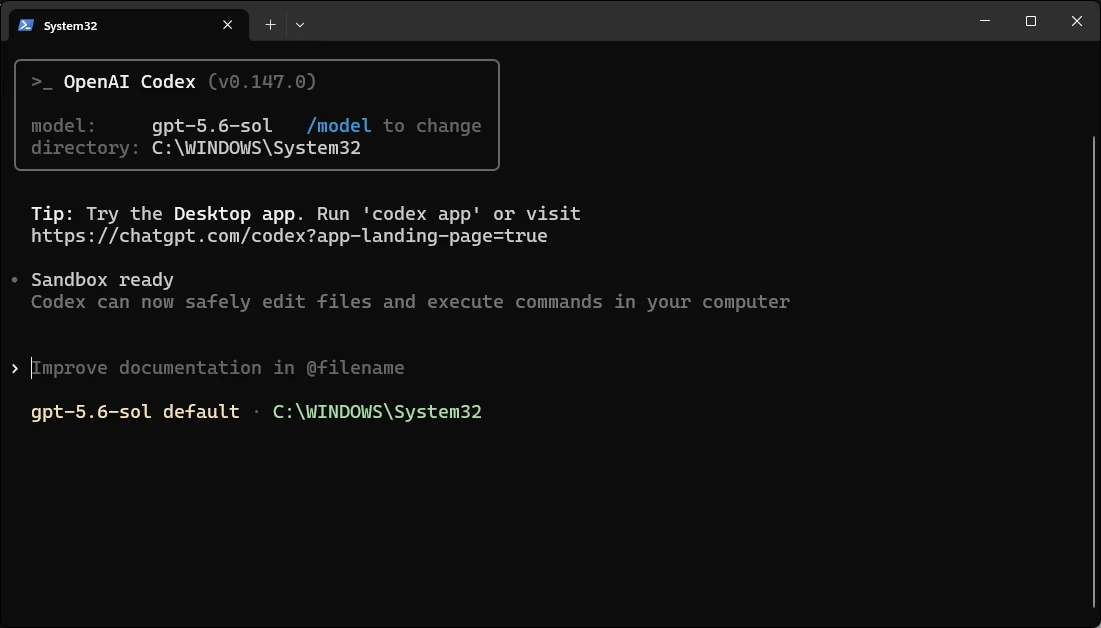
OpenAI describes it as a cross-platform local software agent designed to produce software changes while operating safely on the user’s machine. Codex has evolved around an explicit agent loop rather than functioning as a simple shell wrapper around a language model.
Installation
Codex CLI can be installed using:
npm i -g @openai/codexThen launch:
codexOpenAI describes Codex as the same coding agent available across the terminal, editor, ChatGPT, and other product surfaces.
Example
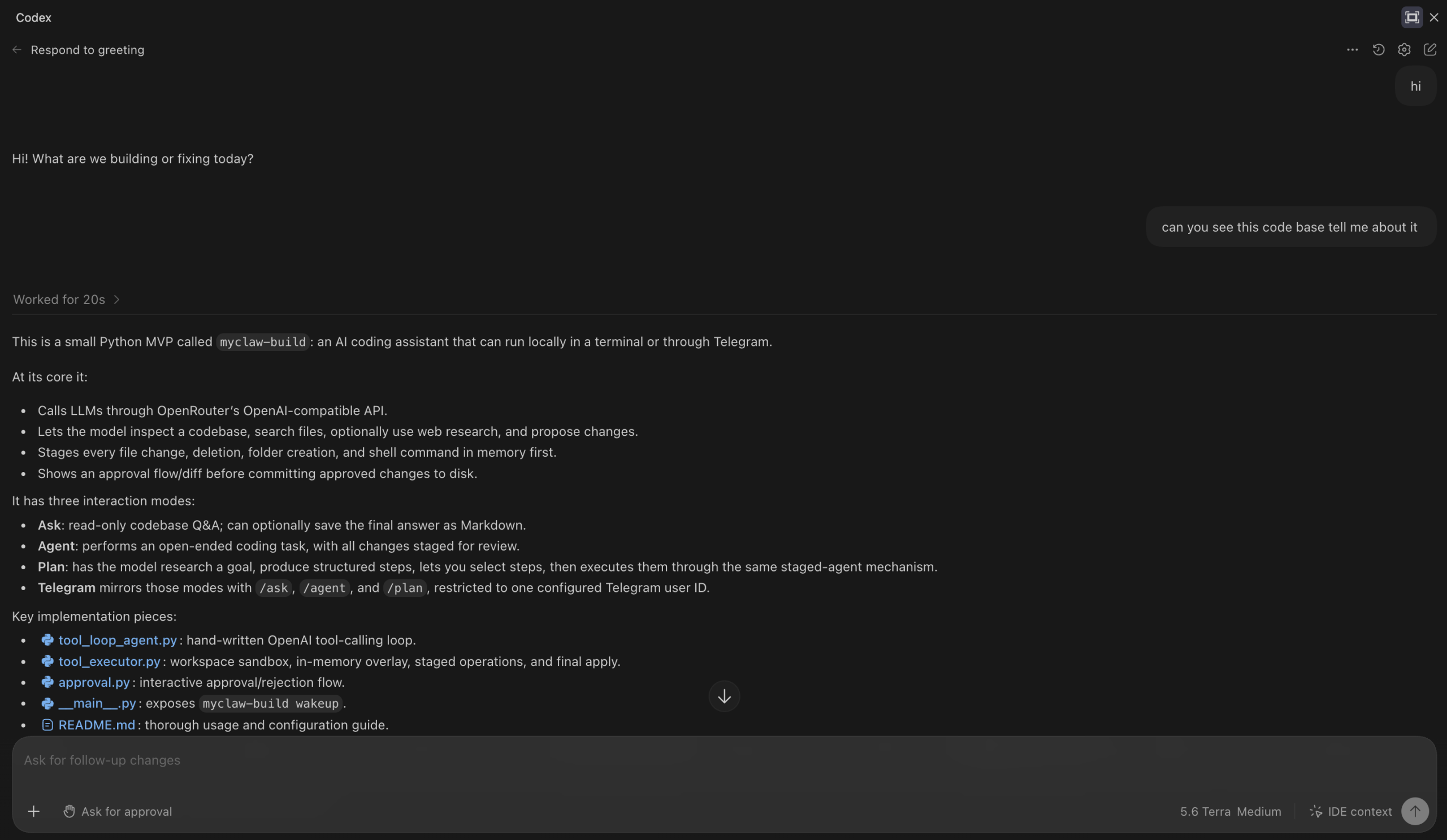
This is the type of prompt where an agent harness becomes much more useful than plain code completion.
Pricing
Codex is included across eligible ChatGPT plans and can also use flexible usage after included allowances are exhausted. OpenAI’s current Business plan starts at $20/user/month annually, or $25 monthly, and includes Codex access. Codex usage is increasingly metered according to model and token consumption rather than a simple fixed number of prompts.
For technical leaders, the relevant takeaway is that cost modelling needs to consider task complexity, context length, model selection, background work, and parallel agents — not merely the number of developers licensed.
3. GitHub Copilot CLI
GitHub Copilot CLI deserves particular attention because it has changed substantially from the original gh-copilot experience.
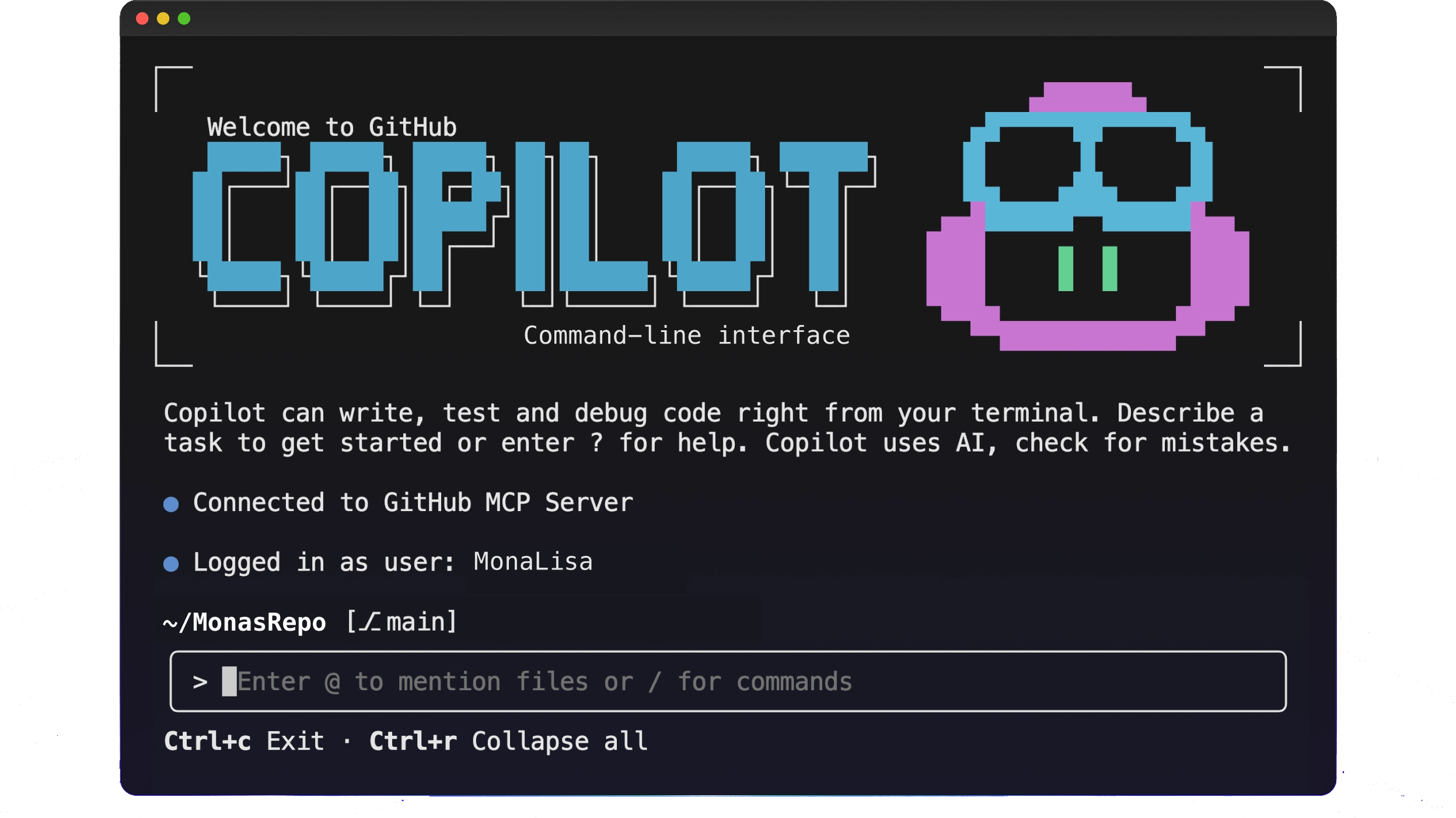
The old CLI extension was primarily a suggestion assistant. The current Copilot CLI is a genuine coding agent.
GitHub describes it as a terminal-native autonomous agent that can plan complex tasks, edit files, execute multistep workflows, run tests, and iterate until the work is complete. Copilot CLI became generally available in February 2026.
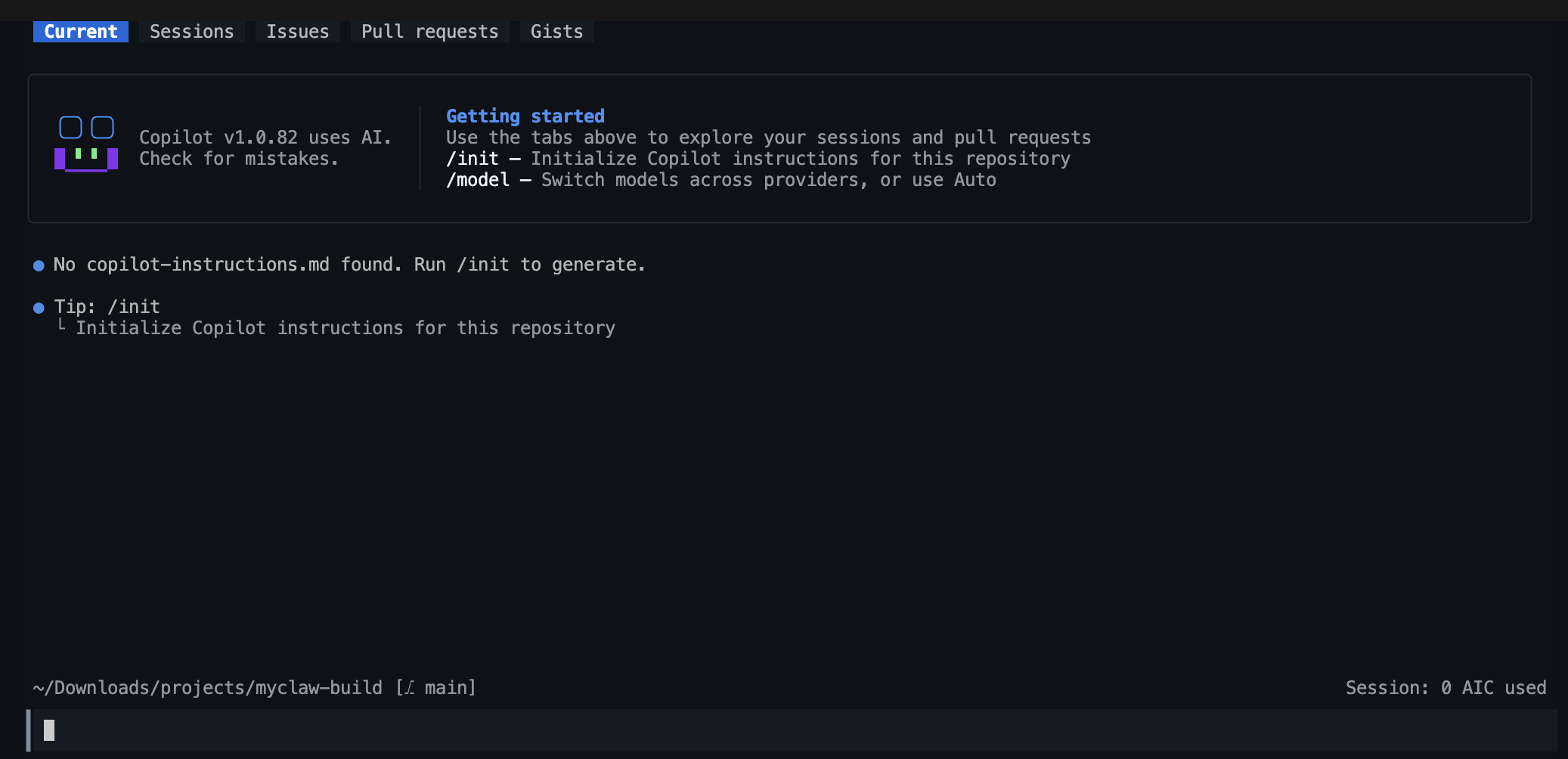
Installation
npm install -g @github/copilotor on macOS/Linux:
brew install --cask copilot-cli