Tool Calling Explained: How AI Agents Decide What to Do Next
Tool calling transforms LLMs from text generators into agents that trigger real actions. Learn how the tool-calling loop works with practical code examples.
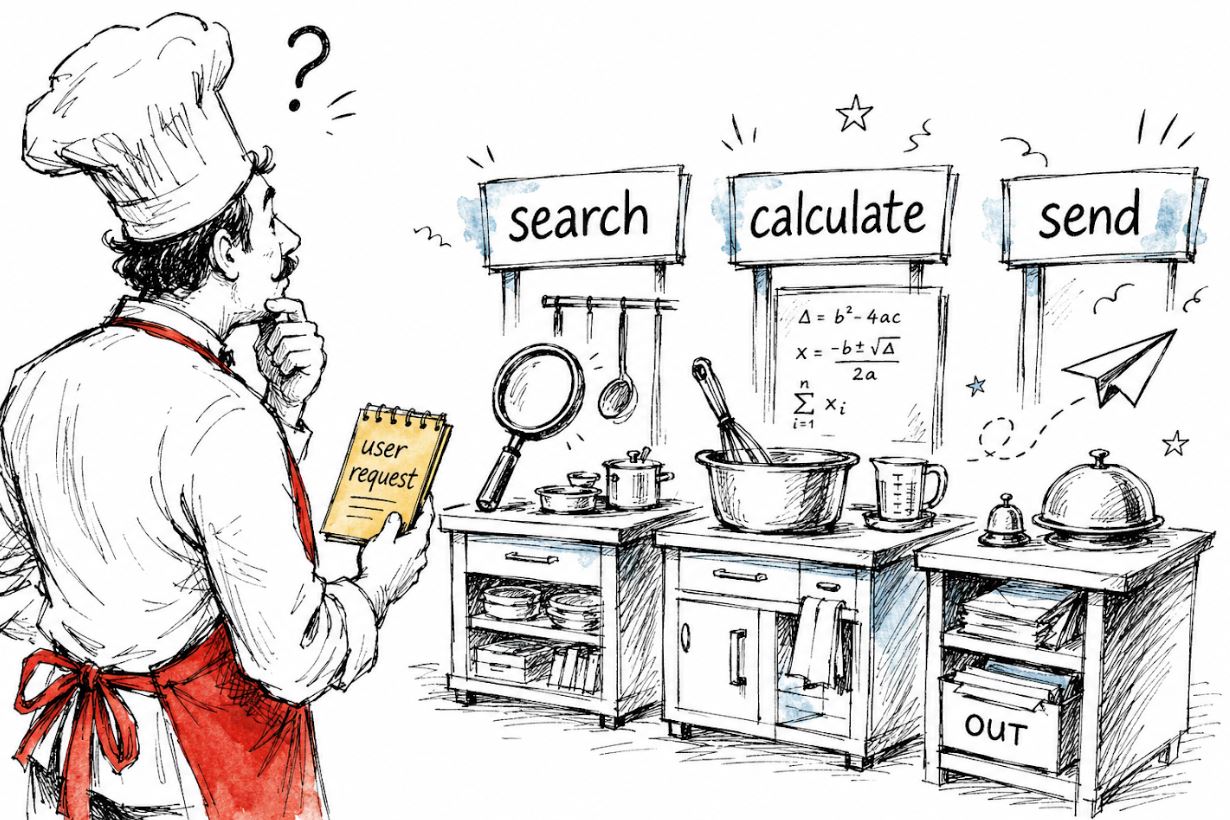
In a previous post, we covered how to get structured, machine-readable outputs from an LLM using JSON Mode, function calling, and structured outputs. That post briefly touched on function calling as a method for obtaining structured responses. However, function calling goes well beyond just getting structured data back from a model — it is essentially the backbone of agentic AI workflows. In today’s post, we are going to take a closer look at exactly this topic.
In all of the examples covered so far, the LLM is used as a passive responder: it receives a question and generates an answer. But what if we want the LLM not just to respond with something but instead to do something? Or to put it more precisely, what if we want an action to be triggered based on the model’s response? This action may be anything: look up live data, send a message, query a database, call an external API, and so on.
This is made possible with tool calling. Tool calling is what transforms an LLM from a very smart text generator into something that can actually trigger actions and interact with the world around it.
What is Tool Calling?
Tool calling (also called function calling) is the mechanism by which an LLM can request the execution of external functions or APIs as part of generating its response. In other words, instead of just returning text, the model can invoke a specific function with specific arguments in response to the user’s request.
The key thing to understand here is that the model itself does not execute the tool. It only decides which tool to call and with what arguments. The actual execution of the selected tool happens in our own code, where the request to the AI model is made. We then feed the tool’s result back to the AI model, which uses it to generate a final response to the user.
This is the tool calling loop, which includes the following steps:
- The user submits a message.
- The AI model takes the message as input and produces an output — essentially a decision on which tool to use and with which arguments.
- The model’s response containing the tool selection and respective arguments is passed back to the code. The code — with no involvement of the AI model — executes the selected tool with the selected arguments. This execution produces a result (e.g., a calculation, information obtained from an API), which is then passed back to the AI model.
- The AI model takes the result of the tool as input and produces a final response to the user based on that.

Again, the model generates a tool call, not a tool execution. The two are very different things, and conflating them is one of the most common sources of confusion.
In practice, a tool call means that the model returns a structured, machine-readable response using function calling. In this response, content is None — there is no natural language answer, just a structured instruction indicating which tool to call and with what arguments. It is only after we execute the tool and pass the result back that the model generates an actual text response for the user.
Practical Examples
We’ll start with a simple example using just one tool and one call, then progressively build up to more interesting scenarios.
1. A Single Tool: Weather API
The most common example of tool use with AI is a weather API, so let’s imagine we’re building a weather assistant. We want to create a mechanism in which the user asks about the weather, and instead of letting the AI model make something up, we want it to call a real weather function and get actual data from outside the LLM. To get the weather data, we’ll use Open-Meteo, a free, open-source weather API that requires no API key.
To use a tool, we first declare it in tools:
from openai import OpenAI
import json

client = OpenAI(api_key="your_api_key")

# Step 1: define the tool
tools = [
    {
        "type": "function",
        "function": {
            "name": "get_current_weather",
            "description": "Get the current weather for a given city",
            "parameters": {
                "type": "object",
                "properties": {
                    "city": {
                        "type": "string",
                        "description": "The name of the city, e.g. Athens"
                    },
                    "unit": {
                        "type": "string",
                        "enum": ["celsius", "fahrenheit"],
                        "description": "The temperature unit to use"
                    }
                },
                "required": ["city"]
            }
        }
    }
]
Notice how the actual tool to be used (the weather API) is mentioned nowhere up to this point. Instead, the model decides which tool to call based on three things: the function description (“Get the current weather for a given city”), the parameter descriptions (“The name of the city, e.g., Athens”), and the enforced schema. It is purely from this information that the model determines whether this is the right tool to call for a given user message and with what arguments. Writing clear and accurate descriptions when defining tools is therefore critical for the model to successfully identify and invoke the right tool.
After defining the tools variable, we make a request to the AI model:
# Step 2: send the user message along with the tool definition
messages = [
    {"role": "user", "content": "What's the weather like in Athens right now?"}
]

response = client.chat.completions.create(
    model="gpt-4o-mini",
    tools=tools,
    messages=messages
)

print(response.choices[0].message)
The model reads the user’s message, “What’s the weather like in Athens right now?”, and understands that the available tool get_current_weather can help answer this query with real, live data. Rather than generating a text response directly, it decides to call the tool first. The model’s response at this point looks like this:
ChatCompletionMessage(
    content=None,
    role='assistant',
    tool_calls=[
        ChatCompletionMessageToolCall(
            id='call_abc123',
            type='function',
            function=Function(
                name='get_current_weather',
                arguments='{"city": "Athens", "unit": "celsius"}'
            )
        )
    ]
)
Notice how content is None, because the model isn’t returning a text response — it’s returning a tool call. Now it’s our job to execute the selected tool and return the result. In this case, that means making the API request to the weather API using the arguments (city and unit of measurement) provided in the model’s response:
# Step 3: execute the tool using the Open-Meteo API
import requests

def get_current_weather(city: str, unit: str = "celsius"):
    # geocode the city name to coordinates
    geo = requests.get(
        "https://geocoding-api.open-meteo.com/v1/search",
        params={"name": city, "count": 1}
    ).json()
    lat = geo["results"][0]["latitude"]
    lon = geo["results"][0]["longitude"]

    # fetch current weather
    weather = requests.get(
        "https://api.open-meteo.com/v1/forecast",
        params={
            "latitude": lat,
            "longitude": lon,
            "current": "temperature_2m,weather_code",
            "temperature_unit": unit
        }
    ).json()

    temp = weather["current"]["temperature_2m"]
    return {"city": city, "temperature": temp, "unit": unit}

# extract the tool call from the response
tool_call = response.choices[0].message.tool_calls[0]
arguments = json.loads(tool_call.function.arguments)

# call the actual function
weather_result = get_current_weather(**arguments)
We then append the tool’s result to the message history and send everything back to the model:
# Step 4: add the assistant's tool call AND the tool result to the message history
messages.append(response.choices[0].message)  # important: append the tool call first
messages.append({
    "role": "tool",
    "tool_call_id": tool_call.id,  # links the result back to the specific tool call
    "content": json.dumps(weather_result)
})

# Step 5: send everything back to the model for a final response
final_response = client.chat.completions.create(
    model="gpt-4o-mini",
    tools=tools,
    messages=messages
)

print(final_response.choices[0].message.content)
And now we get a proper text response:
It's currently 29°C in Athens. Sounds like a great day to be outside!2. Letting the Model Choose from Multiple Tools
In a real-world agentic application, the model typically has access to not one but multiple tools, and it needs to figure out which one (or more) to use based on what the user is asking.
Let’s extend the weather API example by adding a tool for currencies. For this, we’ll use Frankfurter, a currency API providing European Central Bank daily rates, again with no API key required. We update the tools variable by adding a second tool for converting currencies:
tools = [
    {
        "type": "function",
        "function": {
            "name": "get_current_weather",
            "description": "Get the current weather for a given city",
            "parameters": {
                "type": "object",
                "properties": {
                    "city": {"type": "string", "description": "The name of the city"},
                    "unit": {"type": "string", "enum": ["celsius", "fahrenheit"]}
                },
                "required": ["city"]
            }
        }
    },
    {
        "type": "function",
        "function": {
            "name": "convert_currency",
            "description": "Convert an amount from one currency to another using live exchange rates",
            "parameters": {
                "type": "object",
                "properties": {
                    "amount": {"type": "number", "description": "The amount to convert"},
                    "from_currency": {"type": "string", "description": "The source currency code, e.g. USD"},
                    "to_currency": {"type": "string", "description": "The target currency code, e.g. EUR"}
                },
                "required": ["amount", "from_currency", "to_currency"]
            }
        }
    }
]
With multiple tools defined, the model evaluates the user’s message against all available tool descriptions and selects the one most appropriate for the task — or determines that no tool is needed and responds with plain text. The rest of the tool-calling loop remains exactly the same: the model returns a structured tool call, our code executes the chosen function, and the result is passed back for a final natural-language response.
This pattern scales naturally. As you add more tools to the tools list, the model gains a broader set of capabilities it can draw on, making it possible to build agents that handle a wide range of user requests within a single, unified workflow.